Medical
Lattices and thin struts, checked on every layer
Porous cups and spinal cages are built from thin struts, layer on layer. Euler marks obstructions, pinning and spatter on the layer images your printer already takes, and alerts your team while the build is still running.
A critical defect has been detected, beginning on layer 118. Please review the layer images and either acknowledge or dismiss the alert.
Before CT
What changes for your implant builds
Today: CT is sampled, or every part on the plate waits in the queue for it.
With Euler: Every layer of every cup is checked while it prints, and CT goes to the parts that need it.
Today: A bad region of the plate is found at inspection, after the build is done.
With Euler: Your team hears about it while the plate is still printing.
Today: The build record is written afterwards, from notes and screenshots.
With Euler: The report is done when the build is.
On the plate
Know which cups to send to CT
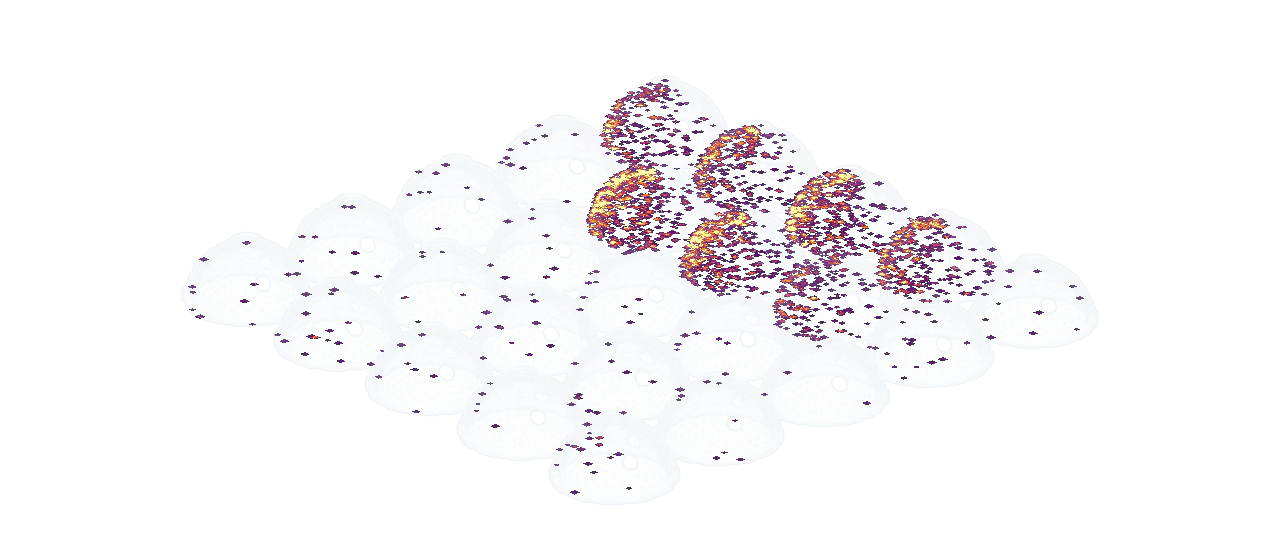
A plate of small implants holds dozens of parts, and spatter lands on it all through the build. Euler marks spatter on every layer and tells what landed on a part from what fell on powder, so CT goes to the cups that took it. Before CT, not instead of it.
- Spatter lands on most layers. Most of it falls on powder.
- Euler tells what landed on a part from what landed on powder.
- Over the build, seven cups took most of it.
- So CT starts with these seven, not all twenty-five.
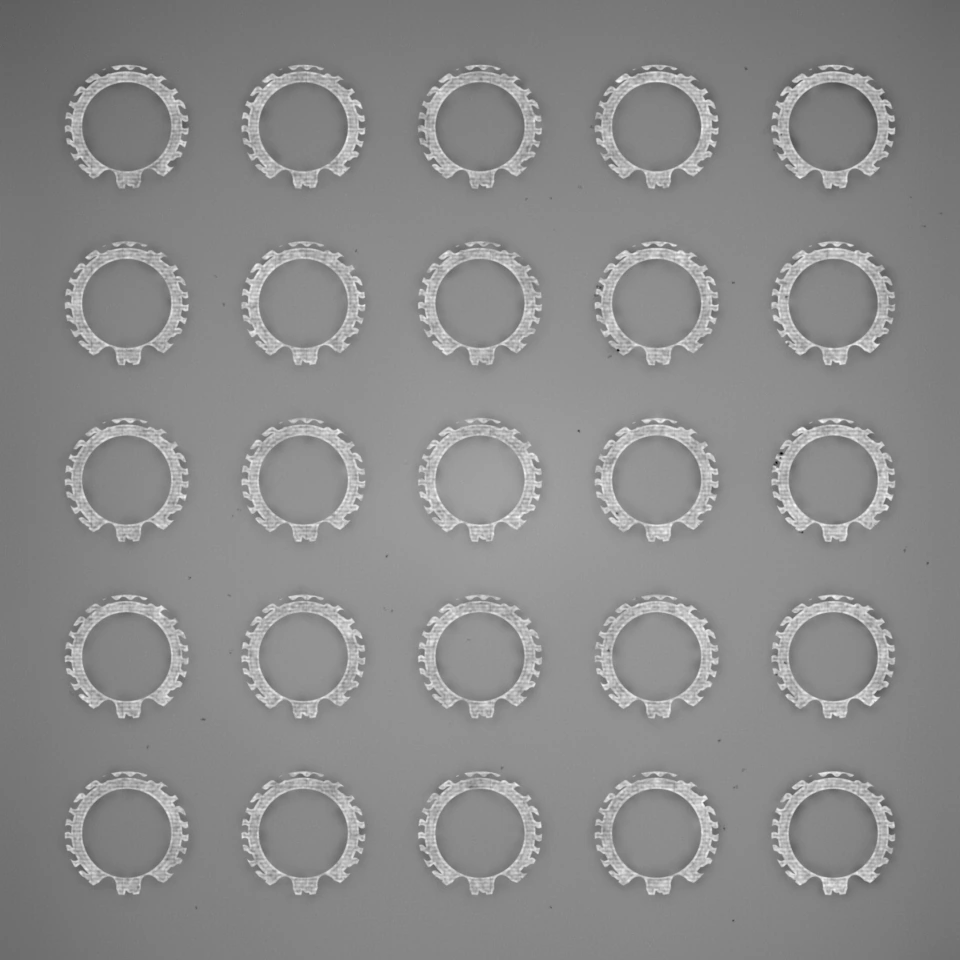
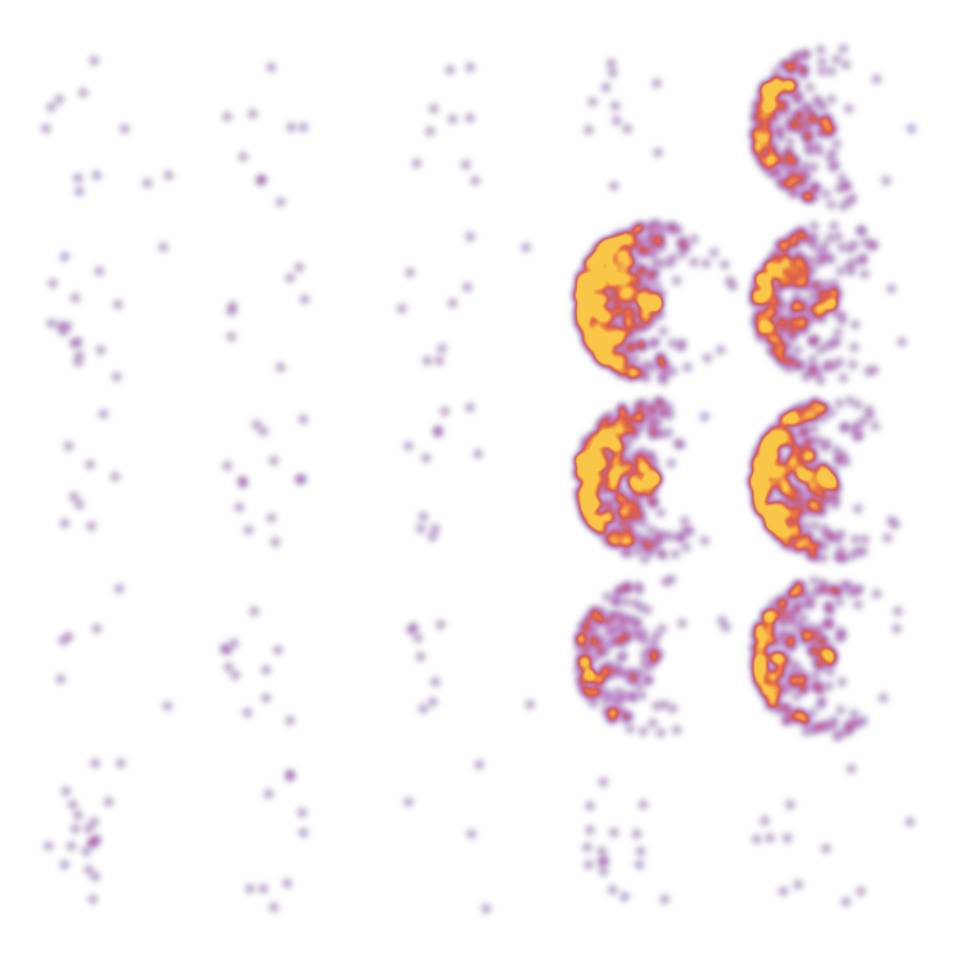
The same seven cups, in 3D.
The heatmap shows where the spatter on parts sits, layer by layer. The seven cups on one side of the plate glow; the other eighteen barely do.
Build records
A report to file with every build
Every finished build has its report the moment it completes. Everything that happened on the build, on one page. Save it as PDF and file it with the build: the record is done when the build is, not days after.
- Layers 118–146Continued printResponded by Mara KellerStarted at Oct 14, 2026 09:41 · Cleared at 10:02
- Model ID
- LPBF.5B68CB4.03-22-2026
- Critical alerts
- 1
The incident, and what your team did.
Each alert, who responded and what they decided.
| Defect class | Measure | Peak value | at | Mean per layer |
|---|---|---|---|---|
| Spatter | Count | 15 | layer 619 | 0.4 |
| Streaking | Count | 8 | layer 618 | 0.2 |
| Hopping | Count | 3 | layer 640 | 0.1 |
| Obstruction | Count | 2 | layer 617 | 0.0 |
Every defect type, counted.
The defect graph of the whole build, and how often each type appeared.
Where it runs
In our cloud, or in your own environment
Euler runs in the Euler cloud, or inside your own network when build data has to stay on site. No new hardware either way: Euler Connect works with the data you already have.
Euler cloud.
Sign up, install Euler Connect and connect a printer today. Euler runs the service and keeps it up to date.
Inside your network.
Euler Connect, the analysis and the web app all run on your own servers. Nothing leaves your environment.
Customers
What customers say, and what was measured

“Euler revealed a subtle design flaw that had previously gone unnoticed. We adjusted the design, resulting in a more consistent process.”

 White paper77%of the print time lost to failed builds would have been saved by stopping at Euler’s critical alert.That is about ten days of machine time, across the 54 builds DTI monitored.Read the white paper
FAQ
Before you bring it to your builds
Talk to us about your implant builds
We’ll walk through your machines, your parts and what your build records need to show.