Live monitoring
Know about the bad layer while the build is still running
A critical defect that goes unnoticed can cost a day of machine time and a plate of parts. Euler inspects every layer as it is printed and tells your team the moment something needs a look, so a bad build is restarted right away instead of found at depowdering or inspection.
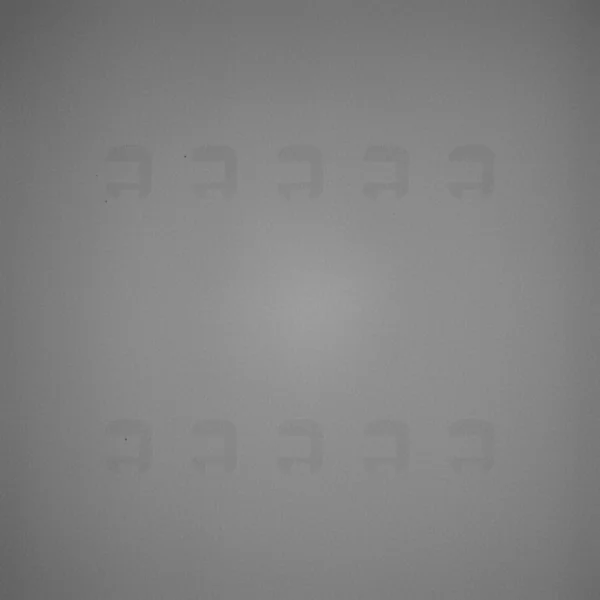
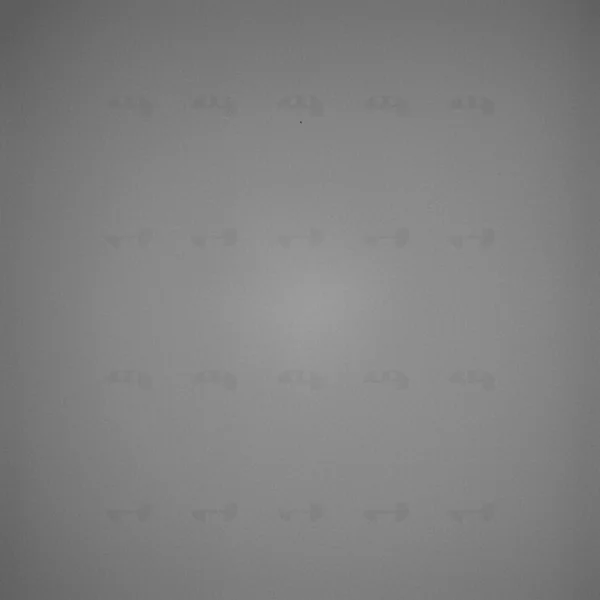
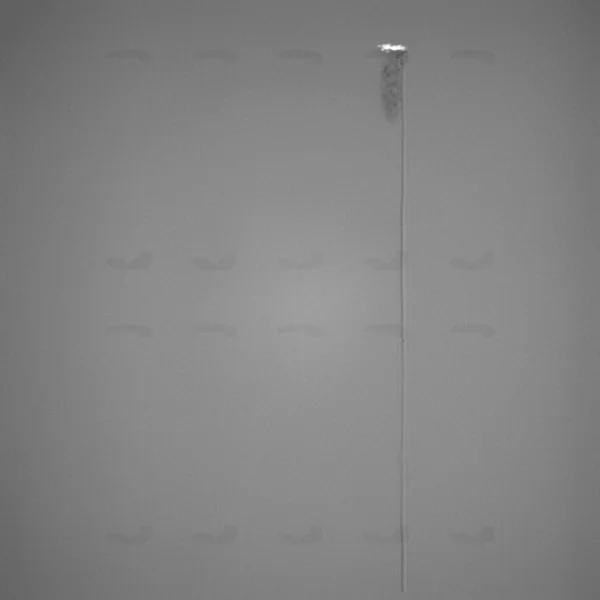
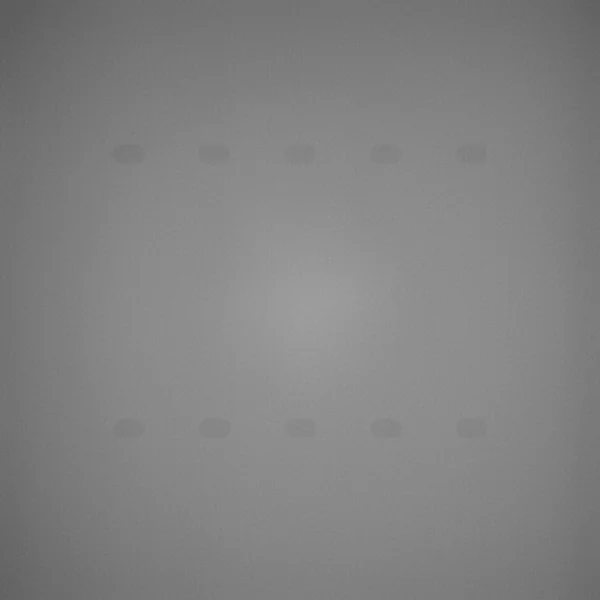
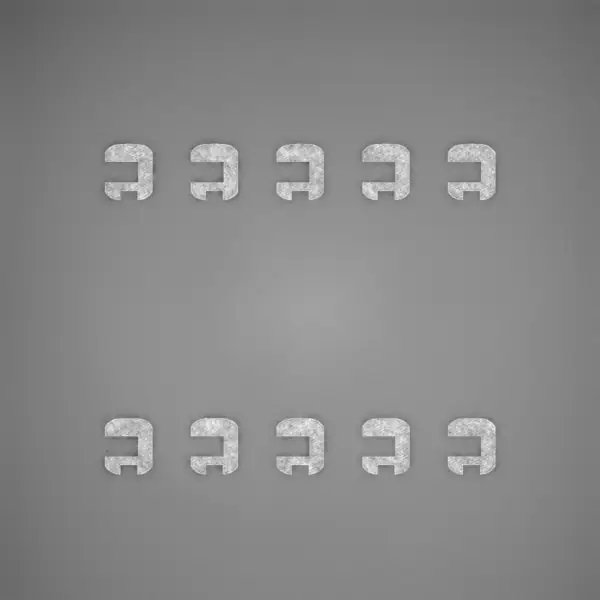
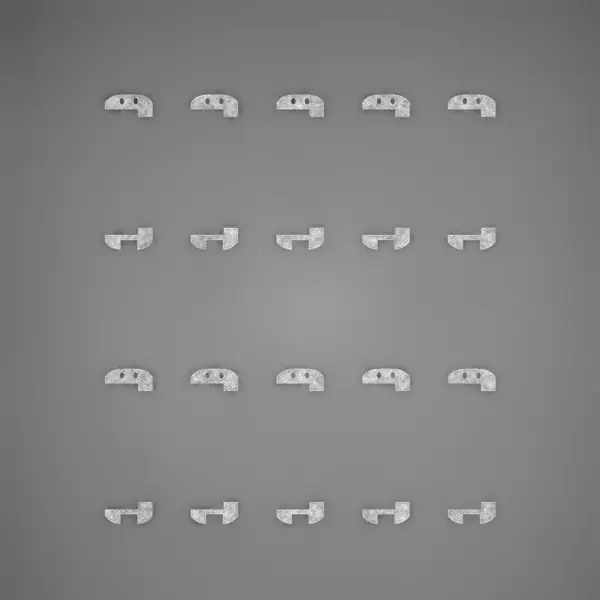
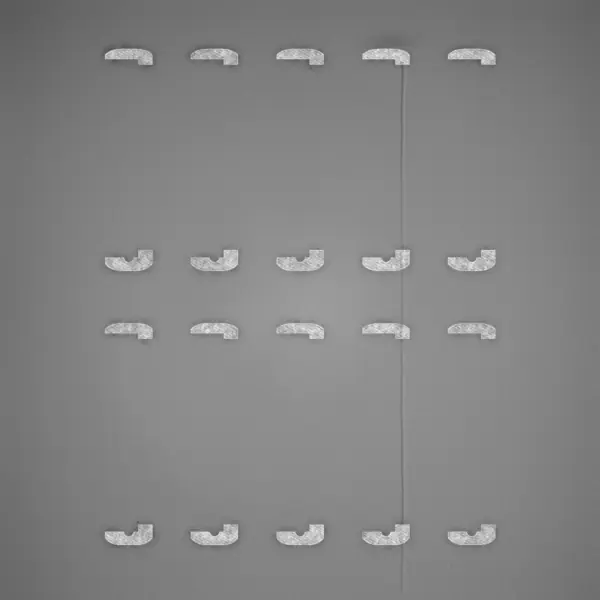
A critical defect has been detected, beginning on layer 617. Review the layer images and acknowledge or dismiss the alert.
Critical alerts
One alert per incident, and a record of what you did
Euler raises an alert in time for you to react. Open the print from the notification and the viewer is on the layer where it began.
Did the print keep running after this alert, or was it stopped?
Acknowledge it.
Record whether the print continued or was stopped, with your reasoning.
Resolve it if there is no real defect, or snooze it to be reminded later in the print.
Or snooze it.
Check again after 50, 100 or 200 more layers. If the defect is still there, we'll let you know.
- 14:32 · EulerCritical alert raised on layer 617
- 14:35 · Anna LindContinued print · "Recoater caught a frame. It and the one behind it are scrap, the other eight can finish"
- 15:26 · Anna LindComment on layer 692 · "I'll inspect the recoater blade before the next build."
Always on record.
Euler records the event even if no one responds in time, and closes the incident if it resolves on its own.
Notifications
In the channel your team already watches
Alerts reach the relevant people, by email and in Slack or Teams. One tap opens the exact layer in Euler, on a PC or even a phone. No app required.
- On critical defect
- On print job complete
- On offline device
Each member chooses.
Pick what you want to hear about: critical defects, finished prints or a device going offline. Everyone sets it for themselves, so no one gets alerts they do not need.
No layers received since 14:02 yesterday. Heat sink HS-9 was at layer 2,210.
A machine that goes quiet gets reported.
You are told when a printer or its Euler Connect connection drops, and the outage history is there afterwards.
Devices and dashboards
Every machine's state at a glance
The devices list and the overview show what every printer is doing right now. A dashboard puts the same view on a wall screen.
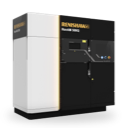
RenAM 500Q - Ti64
Renishaw RenAM 500Q
Critical incident
Watch case frames WF-12layer 617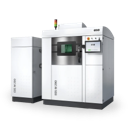
EOS M 290 - Ti64
EOS M 290
Healthy
Bracket BR-22layer 1,412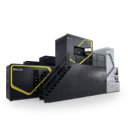
NXG 600E - 316L
Nikon SLM Solutions NXG 600E
Possible incident
Turbine shroud TS-1layer 3,104
Every machine, one list.
Click through to a device for its activity, connection history and settings.
The whole hall on a wall screen.
Filter by device or device type, hide idle and offline machines, and pick a light or dark theme.
Five states, the urgent ones first.
Healthy, possible defect, critical defect, idle or offline. Machines that need attention sort to the top.
The latest image of every print.
Each machine shows its latest exposure image and the layer its print has reached.
Utilization over time.
Busiest devices and utilization, per machine or across the fleet.
Documentation
In the docs
Every screen and every step, written for operators and process engineers.
More of the platform
- Print viewerEvery layer, every defect, in 2D and 3D.
- Quality & reportsBuild reports, outlier analysis and sharing.
- Euler ConnectStreams layers as they are saved. No new hardware.
- Integrations & AIAPI, webhooks, Slack, Teams, Claude and ChatGPT.
- Deployment & securityCloud, on-prem, air-gapped or AWS GovCloud.
Ready to try it on your next build?
Free to start, with the data you already have. Connect a printer or upload a finished build.