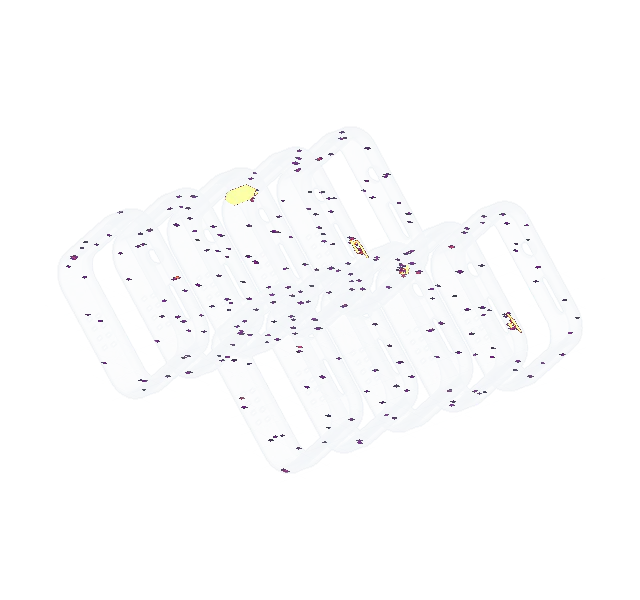
Every layer inspected.No defect unseen.
Euler is software for metal LPBF. It reads the images your printer already takes and tells you when a build goes wrong.
Free to start. No sensors, no new hardware.
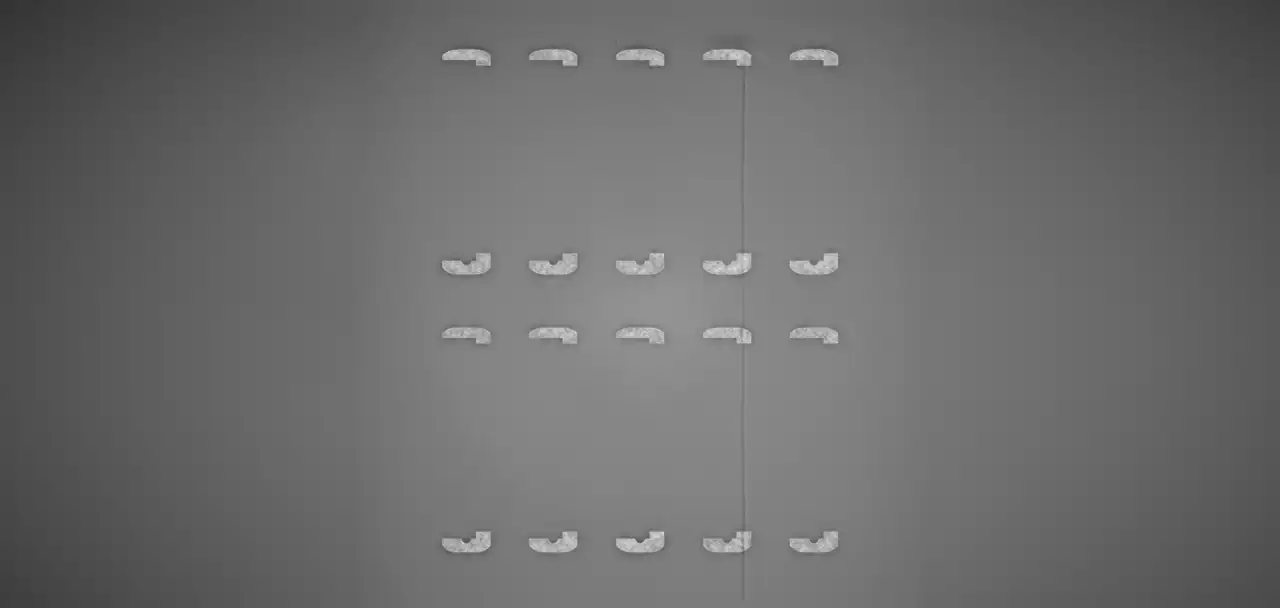
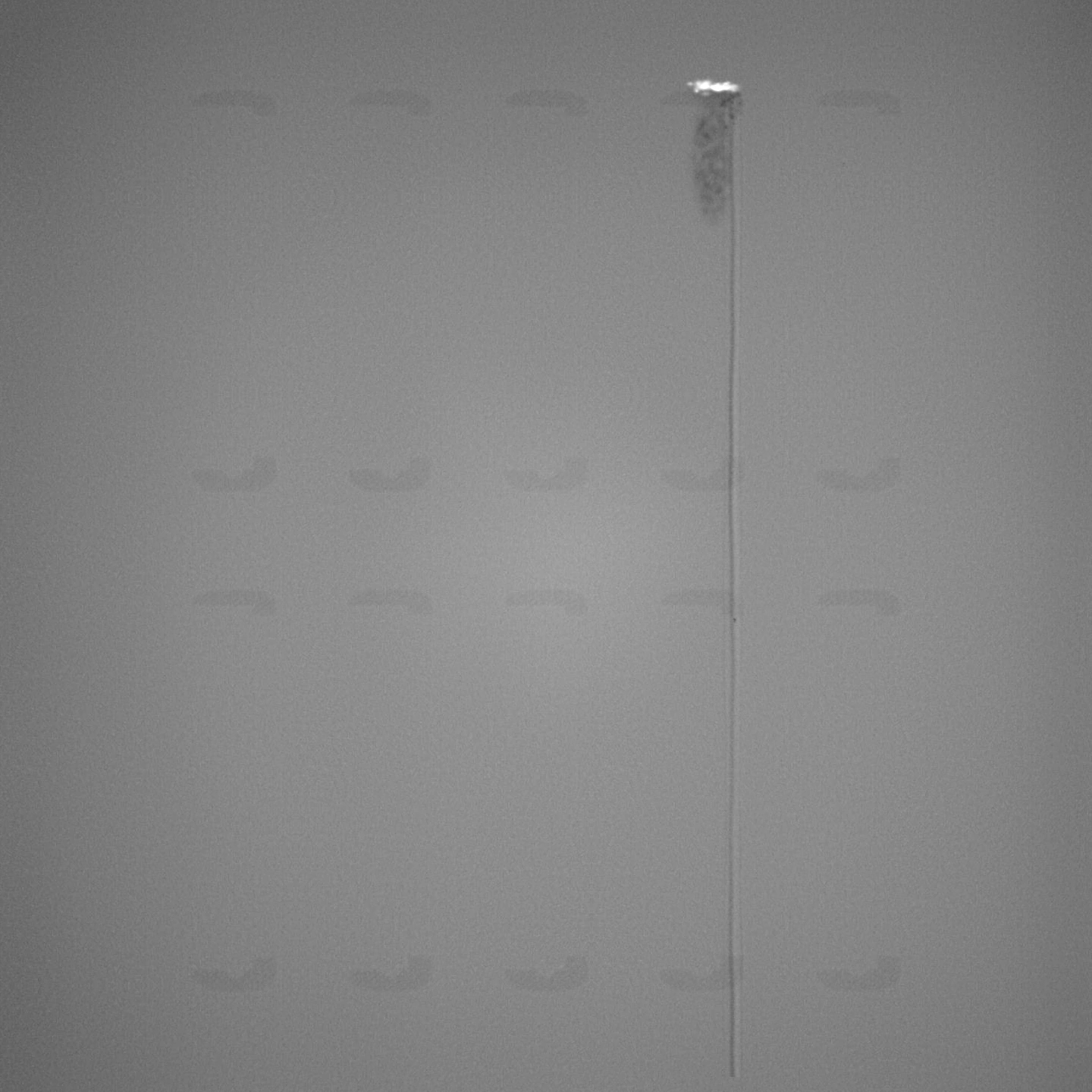
A critical defect has been detected, beginning on layer 617. Review the layer images and acknowledge or dismiss the alert.







Live monitoring
Know about the bad layer while the build is still running
When do you find out that a build has gone wrong? Euler tells your team while the rest of the job can still be saved. The rebuild starts today, not after the build has finished and been inspected.
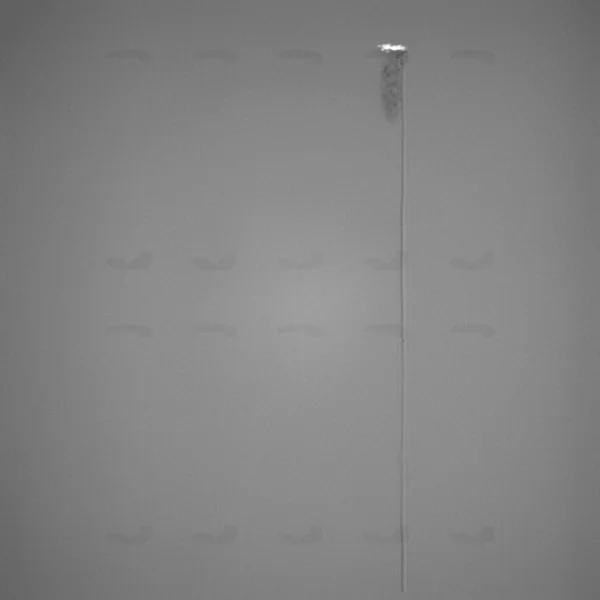
RenAM 500Q - Ti64 · 1,107 layers · Nov 3
Critical
Critical incident in progress
A critical defect has been detected, beginning on layer 617. Please review the layer images and either acknowledge or dismiss the alert.
The alert, on the layer it began.
It reaches your team wherever they are, before it's too late to react.
- 01Raised before it really goes wrongOn the layer the incident began.
- 02Sent to your teamBy email, Slack or Teams, with a link to the layer.
- 03Answered on recordContinued or stopped, and why.
- Critical alert raisedDefects on layers 617–691 · Nov 3, 2026, 2:32 PM
- ALAnna LindContinued printCritical alert, layers 617–691Recoater caught a frame. That one and the one behind it are scrap, the other eight can finish.Nov 3, 2026, 2:35 PM
- ALAnna Lind on layer 692I'll inspect the recoater blade before the next build.Nov 3, 2026, 3:26 PM
What your team decided, on record.
The print report shows who responded to the alert, what they decided, and why.
RenAM 500Q - Ti64
Renishaw RenAM 500Q
Critical incident
Watch case frames WF-12layer 617
EOS M 290 - Ti64
EOS M 290
Healthy
Bracket BR-22layer 1,412
NXG 600E - 316L
Nikon SLM Solutions NXG 600E
Possible incident
Turbine shroud TS-1layer 3,104
Every machine, at a glance.
Which machines are printing, which need a look, which have gone quiet. The same view goes on a screen in the hall.
Print viewer
Defects that took ages to find, obvious at a glance
Open any layer and see what went wrong on it. Defects are marked on the images, plotted across the whole build and shown in 3D.
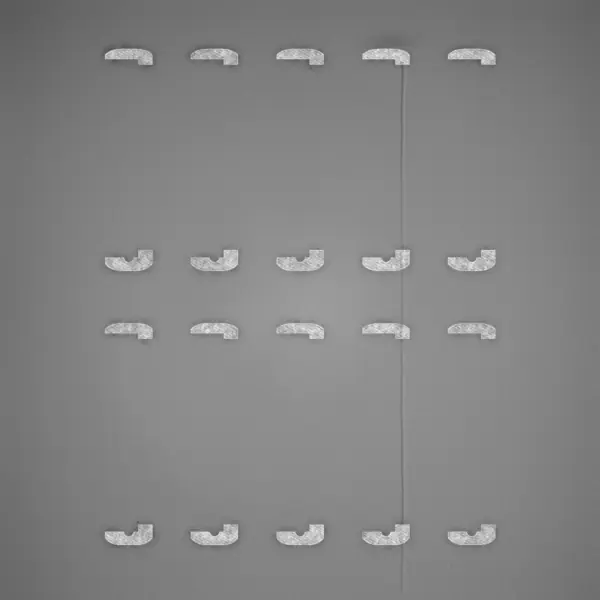
Recoat and exposure, side by side.
The layer viewer lets you pan, zoom and step through layers, or jump straight to the next critical section.
Show only what you are looking for.
Switch defect types on and off while you look. Try it: the boxes on the layer follow.
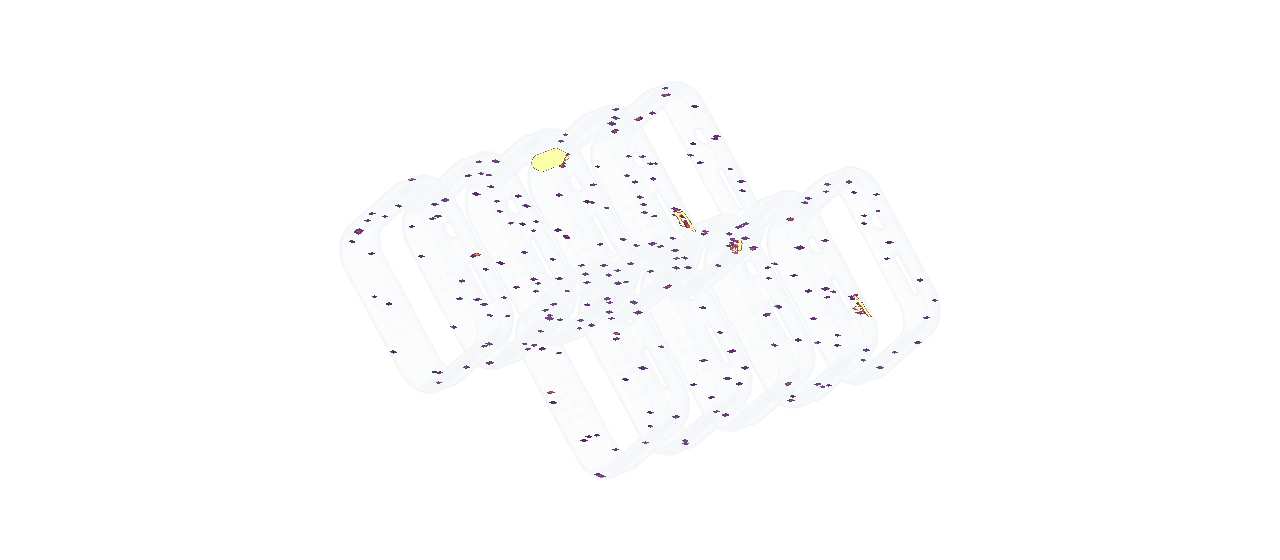
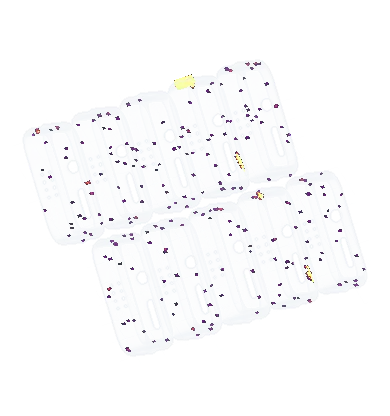
The as-printed geometry in 3D, without your CAD.
Euler reconstructs the as-printed geometry automatically, so no CAD file ever has to be shared. Defects are shown where they sit inside the parts.
The whole build on one line.
Every layer rated, so the stretch where the build went wrong stands out.
- JBJonas Berg on layer 604Corner of this frame is starting to curlNov 3
- ALAnna Lind on layer 617The recoater hit it here and the blade is notchedNov 3
- JBJonas Berg on layer 640Matches what we picked up in CT. Voids in the frame behind it, layers 617 to 691.
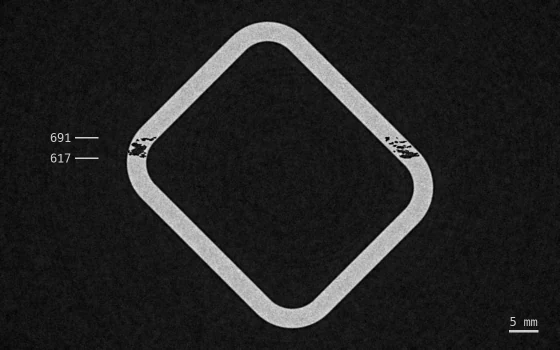 Nov 10
Comment on the important layers.
Pinned to the relevant spot. Paste in a picture, like the CT section that confirmed it, or an image of the part itself.
Quality
The build report writes itself
When a print finishes, its summary, graphs, heatmaps, alerts and comments are already on one page. Print it, save it as PDF or send a link. Nobody has to write it.
Print Job Report
Watch case frames WF-12
November 3rd, 2026

Summary
| Print job name | Watch case frames WF-12 |
| Started at | Nov 3, 2026 07:13:31 |
| Total layers | 1107 |
| Device name | RenAM 500Q - Ti64 |
| Device type | Renishaw - RenAM 500Q |
| Critical alerts | 1 |
| Layer profile | Critical 7% Minor 2% Ok 91% |
Layer defects
- Obstruction
- Warpage
- Pinning
- Spatter
- Smoke
- Streaking
- Hopping
- Hole
One page your QA can sign off on.
Layer profile, defect counts, alerts and comments, ready to print or send as a link.
Find the build that doesn't fit.
Compare builds of the same part. Euler tells you which one stands out and why.
For operations
Know how hard your machines are really working
Layers printed, print jobs and utilization across the fleet. See which machines carry the load, which stand idle, and how much of what they print comes out clean.
Activity
Utilization without a spreadsheet.
Euler counts from the layers each machine prints, so the figures are there without anyone logging hours. Stats can be viewed per machine or cross-fleet.
No new hardware
All of this from the camera already in your printer. No sensors to buy, fit or maintain. Euler only watches, so your qualified process stays as it is.







“At the end of the day, we just want to answer the question, Is the component good or bad? Can it go through the next processing step?”
The camera is already there.
Most metal powder-bed printers take a recoat and an exposure image of every layer.
So is the PC.
Euler Connect runs on any machine with access to the images, and sends each one the moment it is saved. Setting it up takes about five minutes.
Checked as soon as it arrives.
The image is analyzed and the layer gets a status within seconds of being saved.
The camera is already there.
Most metal powder-bed printers take a recoat and an exposure image of every layer.
So is the PC.
Euler Connect runs on any machine with access to the images, and sends each one the moment it is saved. Setting it up takes about five minutes.
Checked as soon as it arrives.
The image is analyzed and the layer gets a status within seconds of being saved.
Integrations
Works with the tools you already have
Alerts arrive where your team already talks, and your AI assistant can answer from your builds. Webhooks and the API carry prints, defects and events into your MES or QMS.

| Print job | Watch case frames WF-12 |
|---|---|
| Layer | 617 |
| Detected at | Nov 3, 2026 14:32 |
| Job started | Nov 3, 2026 07:13 |
Alerts where your team already talks.
Slack, Teams and email, each with a link to the layer. Webhooks carry the same events to your MES or QMS.
Read from EulerThree builds had more spatter per layer than the rest. The turbine bracket had about twice the average.
- Turbine bracket TB-42.1×
- Pump housing PH-61.4×
- Heat exchanger HX-21.2×
EulerAsk like you'd ask a colleague.
Connect Claude or ChatGPT over MCP. It answers from the same builds, layers and alerts you see in Euler.
Deployment
Your build data stays where you decide, with the same Euler everywhere
- Euler cloud. Sign up and connect a printer today. Layer images leave your site for Euler’s cloud.
- Customer-managed cloud. Your own AWS GovCloud (US) account, deployed from a single template. Layer images go to an account you own.
- On-prem or fully air-gapped. Inside your own network, run by your own IT on your own schedule. Layer images never leave your network.
Layer images leave your site for Euler’s cloud.
Sign up and connect a printer today.
- Export-controlled
- Updates on your schedule
- AWS GovCloud (US)
- On-prem
- Air-gapped
- SOC 2 Type II in progress
Customers
From the people running the machines
Contract manufacturers, research institutes and aerospace & defense companies run Euler on their builds. Hear about Euler in their own words, and what an independent study at the Danish Technological Institute measured.
- Layers watched
- 374,000+
- Printer models
- 34
- Manufacturers
- 15
- Defect types
- 8
On video

DTI, on every machine.
“Today we have introduced Euler on all of our systems. So it’s a part of our daily operations and a part of our quality control of every single part that we print.”

KMWE, plug and play.
“It’s not something that requires an extensive period to set up or an investment in hardware or something else.”
Measured at DTI
In their words

“In my 25 years of being in this industry, I have very rarely seen a team and product which so profoundly leapfrogs the state of the art in the way you did with Euler.”


“I chose to work with Euler because of the simplicity. With the Euler platform we can drastically lower inspection time. It’s easy, quick, plug-and-play, and immediately brings value.”


“Euler revealed a subtle design flaw that had previously gone unnoticed. We adjusted the design, resulting in a more consistent process.”

Pricing
Start free. Grow by the machine.
Watch every build live for free. Cloud adds automatic analysis and alerts on every print. Self-hosted runs it all in your own network or cloud account.
Cloud
Free
Watch every build live, and try the analysis on two of them.
- Unlimited prints, live or uploaded
- Print viewer with smooth seeking
- Post-build AI analysis2 builds included
- Critical alerts during the build (not included)
Most teams start here
Cloud
Every print analyzed automatically, with alerts while it runs.
- Live AI analysis on every print
- Critical alerts by email, Slack and Teams
- Outlier analysis across builds
- AI assistants (Claude, ChatGPT)
Your environment
Self-hosted
Euler inside your own network or your AWS GovCloud account.
- Everything in Cloud
- On-premises or air-gapped installation
- AWS GovCloud (US) from one template
- Build data never leaves your environment
FAQ
Before you connect a printer
Ready to try it on your next build?
Free to start, with the data you already have.
Connect a printer or upload a finished build.