Aerospace & defense
Every layer on record, inside your boundary
Qualification wants evidence, programs want repeatability, and security wants the data to stay put. Euler records what happened on every layer of every build, and runs wherever your program allows.
- Layers 820–915Continued printResponded by Anna LindStarted at Oct 21, 2026 11:08 · Cleared at 12:16
- Model ID
- LPBF.5B68CB4.03-22-2026
- Critical alerts
- 1
Qualification
What changes for qualification
Today: The evidence for a build is a folder of screenshots and a document written afterwards.
With Euler: Every finished build has its report, with the Model ID it was analyzed with.
Today: A part fails at CT, and nobody can say which layer it began on.
With Euler: Open the print and the layer is there, with the defect marked.
Today: Export-controlled build data has to stay in an environment you control.
With Euler: Euler runs in your own network or your own AWS GovCloud account.
Large-format builds
Found on the layer, not a week into testing
A thrust chamber can take a week to print. When its defect is only found a week into testing, it is printed again, and a critical project is two weeks behind. Euler raises the alert on the layer where the wall starts to lift, while the first print is still on the machine.

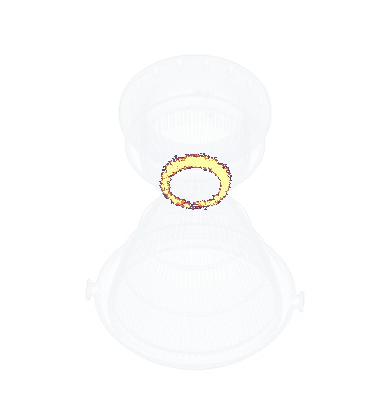
A regeneratively cooled thrust chamber, 520 mm tall.
The kind of part typically printed on a large-format system, in one piece, nozzle down, here over 8,667 layers. Just above the throat, where the wall starts to lean out over the powder, its edges lift: warpage all the way round, across a few hundred layers from layer 5,200.
Found at testing
Defect found after two weeksFound after 2 weeks
Found by Euler
Alert on layer 5,200, after four daysAlert after 4 days
The same failed print, on two calendars.
Found at testing, the reprint starts in week three. Found on the layer, it starts in week one.
Evidence
What a qualification reviewer gets to see
Every finished build has its report the moment it completes. A bad build is known at the printer, not at CT, so its replacement starts sooner. And no document written from memory days later: the paperwork does not hold up the part.
- Layers 820–915Continued printResponded by Anna LindStarted at Oct 21, 2026 11:08 · Cleared at 12:16
- Model ID
- LPBF.5B68CB4.03-22-2026
- Critical alerts
- 1
The incident, and what your team did.
Everything that happened on the build, on one page, with the Model ID it was analyzed with.
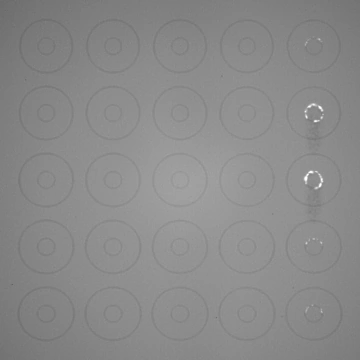

The layer where it began.
When a part fails at CT or at test, open the print, jump between critical sections, and see the recoat and exposure images of that layer with the defect marked.
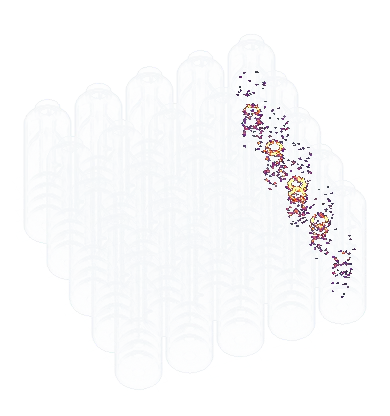
Where defects sit inside the part.
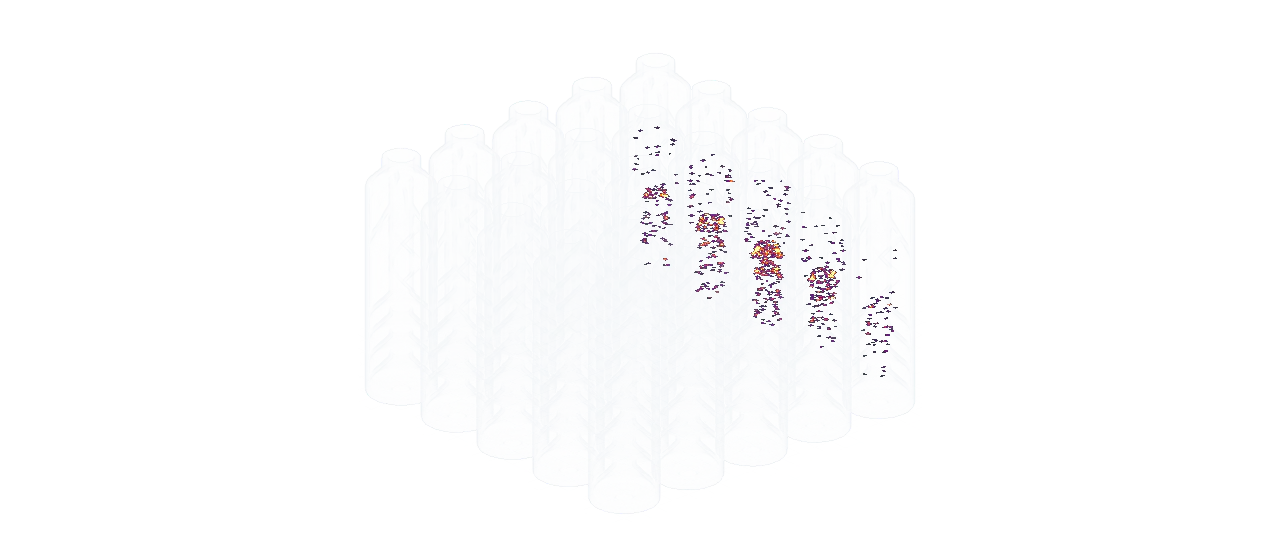
The heatmap shows the build in 3D, so a column of parts on one side of the plate is plain to see, layer by layer.
Repeatability
Prove that build 40 looks like build 1
Serious serial production means the same part, again and again, with evidence that nothing drifted. Outlier analysis compares a group of builds and tells you which one stands out and why, before it reaches inspection.
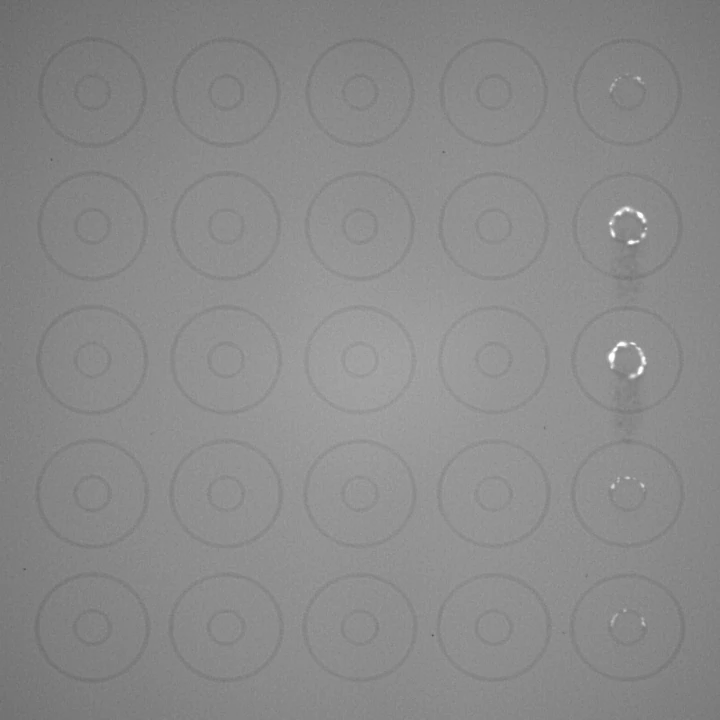
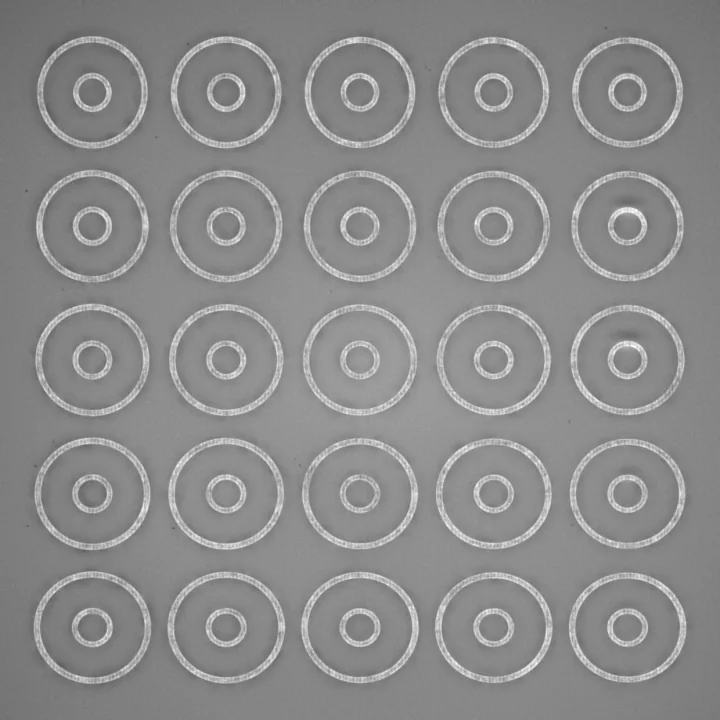
- The same plate, printed again and again. Each build gets a deviation level.
- One build stands out from the series, for warpage.
- Open it and the layer is there: baffle lips lifting along one edge of the plate.
- The analysis goes into the build’s report, for the reviewer.
Print Job Report
Suppressor bodies SB-25
October 21st, 2026
Outlier analysis
Compared with 7 other print jobs on Oct 23, 2026
Export control and GovCloud
Built for export-controlled manufacturing
Euler Connect, the analysis and the web app all run inside your network or your GovCloud account.
Your site administrator creates the accounts, your email server sends the alerts, and updates are installed on your schedule. Nothing leaves your environment.
- Export-controlled
- Updates on your schedule
- AWS GovCloud (US)
- Air-gapped
- On-prem
- SOC 2 Type II in progress
Customers
What customers say, and what was measured

“Euler is close to perfect in spotting the issues. We have already adopted Euler on all our machines and the vision is to switch completely to automatic QA reporting from machine data.”

 White paper38 hoursof printing would have been saved from scrap on one build, by stopping at Euler’s alert.DTI had already gone through that build by hand and not found the error.Read the white paper
FAQ
Before you bring it to your program
Talk to us about your program
We’ll walk through your deployment constraints, your machines and what your qualification reviewers need to see.