Print viewer
Every layer, in the detail your eyes can't manage
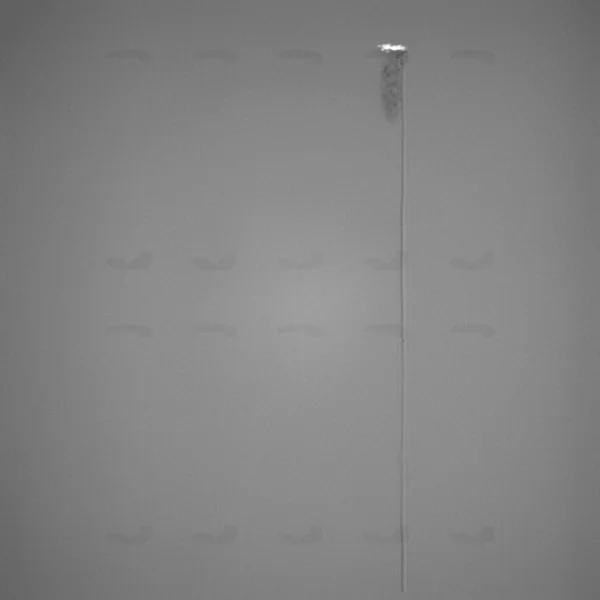
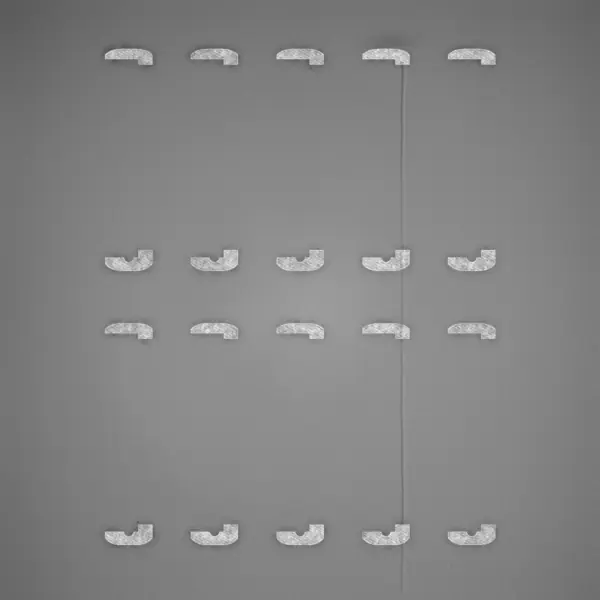
The recoat and exposure image of every layer, each defect marked in its own color where it happened, and a 3D model of the print made from its images.
Layer images
Look at the layer the way you need to
Recoat and exposure images sit side by side or stacked, locked together as you zoom in on a detail. The viewer works on tablets and phones too, so an alert at night is one tap from the layer.
- Single
- Side by side
- Stacked
Three layouts.
One image, both side by side, or stacked. Pan and zoom move both images together.
Image settings.
Raise the brightness or contrast to bring out a faint streak in the powder.
- Previous and next layer←→
- Next critical sectionShift→
- Go to a layer numberL
Keyboard first.
Arrow keys step through layers. Shift and an arrow jumps to the next critical section.
Defect types
Eight defect types, each in its own color
Every defect is marked on the image where it happened, labeled with its type. Switch types on and off in the legend, or show only the defects that sit on a part.
Obstruction
Part of the build sticks up into the recoater’s path and can damage it.
Warpage
The part has deformed and lifted out of the powder.
Pinning
Spots of metal showing through fresh powder.
Spatter
Particles thrown onto the powder bed during exposure.
Smoke
Dense deposition of fine particles left over from the laser's smoke plume.
Streaking
Grooves along the recoating direction from a damaged or contaminated recoater.
Hopping
A ripple pattern left when the recoater bounces after hitting a raised area.
Hole
Too little powder, for example from short feeding, leaving unfused spots.
Frequency plot
See the whole build on one line
The plot under the image shows where defects rise and fall through the build, and the status bar under it rates every layer. Red runs are critical sections. Jump between them with a keystroke.
One curve per defect type.
Measured by number of occurrences or by largest area, whichever tells you more.
Every layer rated.
OK, Minor defect or Critical defect, on one bar along the build.
Precise on long builds.
Pause on the plot and pull up: it zooms in around the playhead, so you can move one layer at a time.
3D
Is it the part, the plate or the whole build?
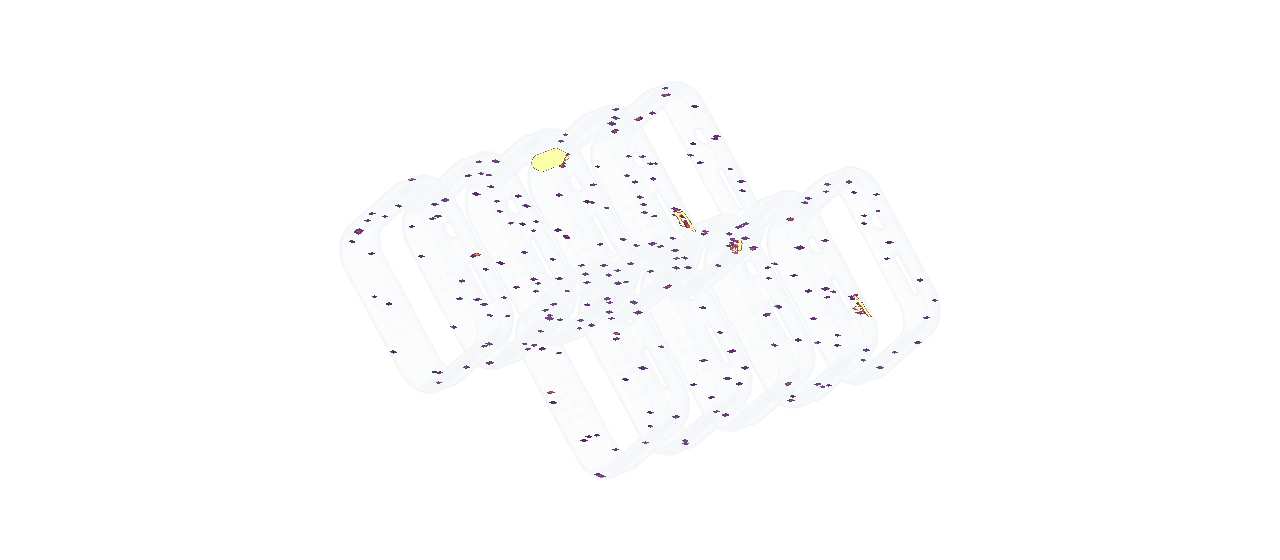
Euler reconstructs the as-printed geometry of every analyzed print automatically, so no CAD file ever has to be shared. The viewer also includes tools to focus on specific regions in the build making it easy to see what matters.
Volume.
Defects placed in 3D, layer by layer, inside a see-through model of the parts.
Criticality.
The parts colored by the status of each layer, so the bad stretch of the build stands out.
Heatmap.
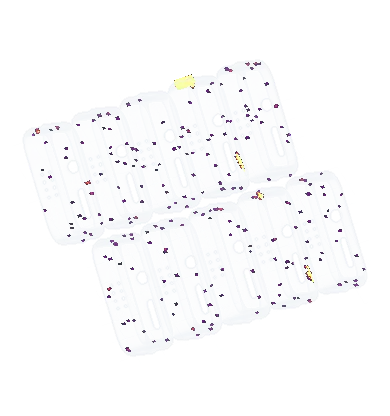
A flat, top-down map of the plate with all layers added up. It separates a problem part from a problem area of the plate.
Leave the note where the next person will look
A defect you checked and accepted belongs on the layer image it is about.
Comments are pinned to a layer and a point on the image. They show in the print’s timeline, at their spot and height in the 3D view, and in the report.
- JBJonas Berg on layer 604Corner of this frame is starting to curlNov 3
- ALAnna Lind on layer 617The recoater hit it here and the blade is notchedNov 3
- JBJonas Berg on layer 640Matches what we picked up in CT. Voids in the frame behind it, layers 617 to 691.
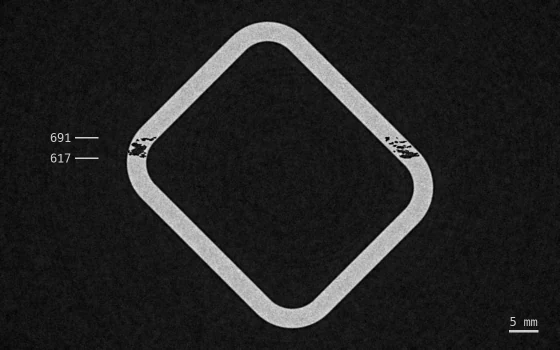 Nov 10
Documentation
In the docs
Every screen and every step, written for operators and process engineers.
More of the platform
- Live monitoringAlerts, device status and shop-floor dashboards.
- Quality & reportsBuild reports, outlier analysis and sharing.
- Euler ConnectStreams layers as they are saved. No new hardware.
- Integrations & AIAPI, webhooks, Slack, Teams, Claude and ChatGPT.
- Deployment & securityCloud, on-prem, air-gapped or AWS GovCloud.
Ready to try it on your next build?
Free to start, with the data you already have. Connect a printer or upload a finished build.
Comments