Energy
Catch a bad build while it runs, not at CT
Impellers, burner tips, turbine components and heat exchangers are large parts and long builds. Euler checks every layer image your printer already takes and alerts your team while there is still time to stop the build.

A critical defect has been detected, beginning on layer 1,240. Please review the layer images and either acknowledge or dismiss the alert.
On a long build
What changes on a long build
Today: A build that goes wrong on the second night is found when it finishes, or at CT.
With Euler: The alert reaches whoever is on call, at the layer the defect begins.
Today: Stopping a build is a judgment call made from a look through the machine window.
With Euler: The decision is made on the layer images, and recorded with the print.
Today: When a part is questioned later, nobody can say what happened on that layer.
With Euler: The layer record goes with the part.
The decision
Stop at the alert, or find it at CT
The further a build has run, the more machine time and powder go with it when it fails. Euler raises the alert while the build is still running, at the layer the defect began. What is left to decide is whether to stop.
- A long build runs for days, and nobody watches every layer.
- At layer 1,240 the blade edges start to lift, and Euler raises the alert.
- Stop here, and 1,960 layers are never printed on a part that is already lost.
- Let it run, and the same defect is found at CT, after the build, the cut-off and the queue.
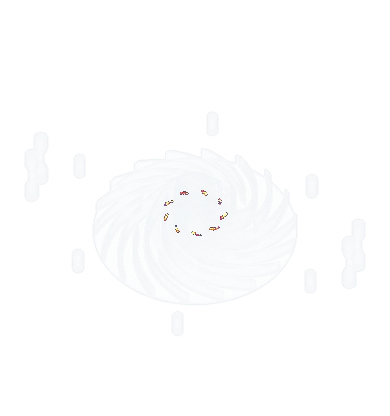
One alert, two ways the build ends.
Stopped at the alert, the plate is free for the next build and the part never reaches CT. Run on, the defect is still there when it does. CT then goes to the parts that need it.
- On critical defect
- On print job complete
- On offline device
Alerts reach whoever is on call.
By email, Slack or Teams, with a link to the layer, at any hour of the build.
Did the print keep running after this alert, or was it stopped?
Stop it, or let it run.
Record what was decided and why. The response stays with the print for the next shift.
The record
The layer record goes with the part
Every finished build has its report: layer profile, defect graphs, heatmaps, alerts and responses on one page. When a part is questioned later, open the print and see the layer where it began.
- Layers 1240–1262Stopped printResponded by Jonas BergStarted at Oct 28, 2026 22:17 · Cleared at 22:31
- Model ID
- LPBF.5B68CB4.03-22-2026
- Critical alerts
- 1
The incident, and what your team did.
Each alert, who responded and what they decided.
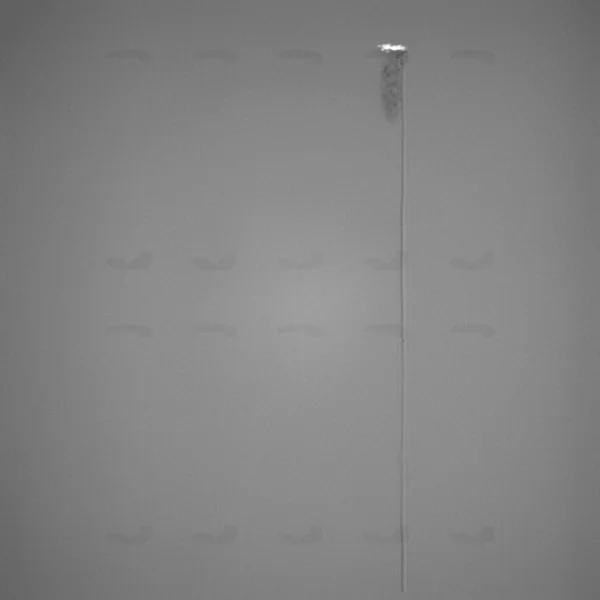
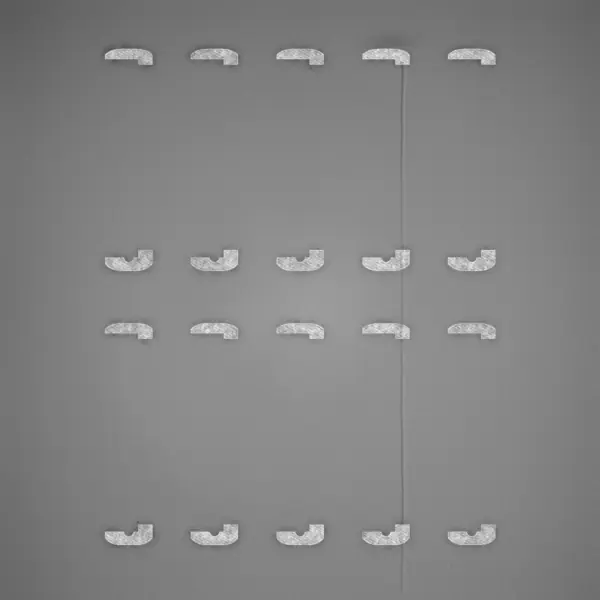
The layer where it began.
Jump between critical sections and see the recoat and exposure images of that layer with the defect marked.
Customers
What customers say, and what was measured

“I chose to work with Euler because of the simplicity. With the Euler platform we can drastically lower inspection time. It’s easy, quick, plug-and-play, and immediately brings value.”

 White paper21 minof warning before a warping part hit the recoater, in the paper’s example build.That is 24 layers of notice: enough to pause the build before the collision.Read the white paper
FAQ
Before your next long build
Talk to us about your long builds
We’ll walk through your machines, your parts and how your team responds to an alert.